Visit+ for iPhone

Remember what your doctor said

A visit to the doctor is full of information, and by the time you reach the car most of it is gone. Write your questions before you go. In the room, with your doctor's okay, record the conversation. Afterwards it comes back as key points and a list of things to do.

Download on the App Store Coming soon to the App Store See how it works

Free · No account, no sign-in, no ads · iPhone, iOS 18 or later

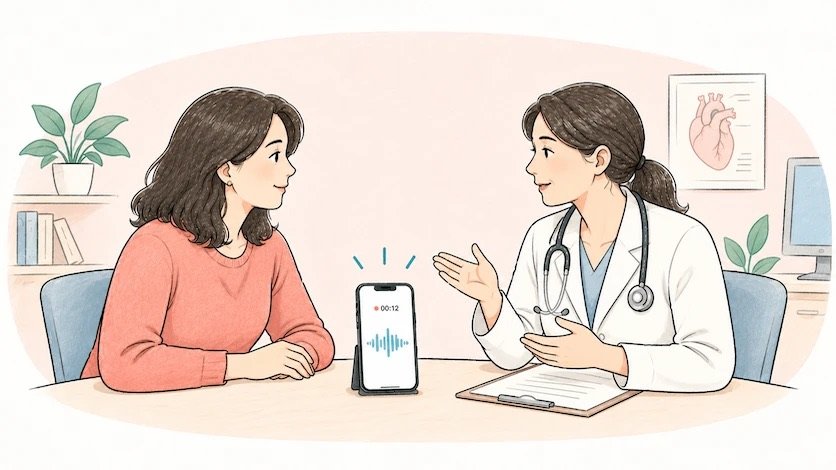
A patient and a doctor talking across a desk, with a phone recording the conversation between them

How it works

Three steps, and the app is built as three steps

Every visit in Visit+ has the same shape: questions, the room, follow-up. You can see which one you are on at the top of the screen the whole way through.

Prepare your questions before the visit

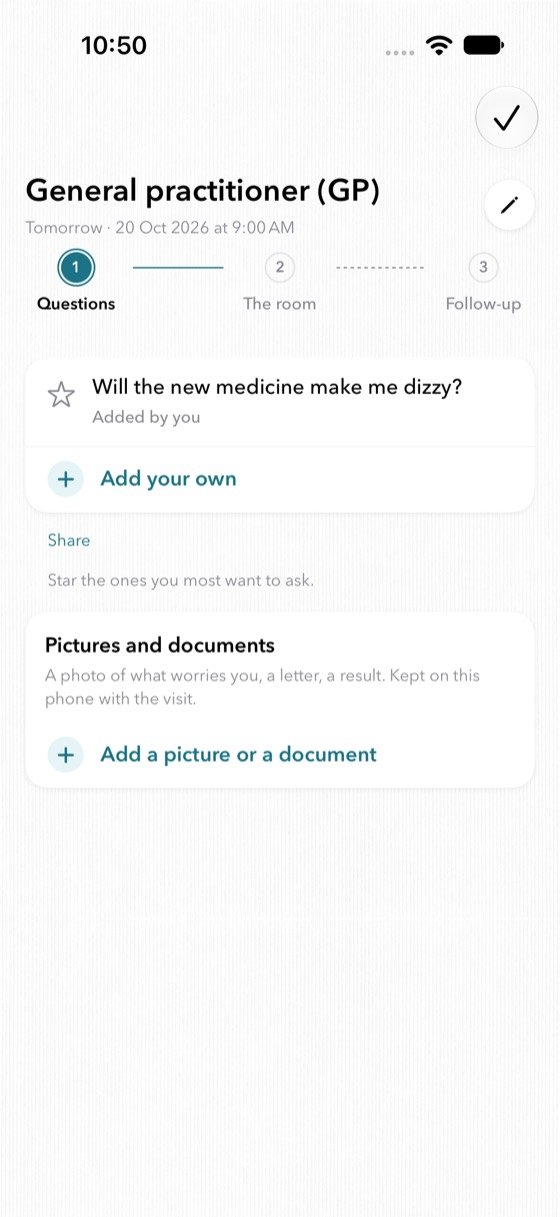
Write down what you want to ask while you still remember it, and star the ones that matter most. They are in your pocket in the room, ready to tick off as you ask them.

Setting a visit up takes under a minute: when, what kind of doctor, a name if you like. Or tap Check my calendar and use the appointment that is already there. Keep a letter, a photo of a medicine box or a test result with it, and get a reminder the evening before.

The questions step in Visit+, showing a starred question and a place to add pictures and documents
Step one. Your questions, and anything you want to bring with you.
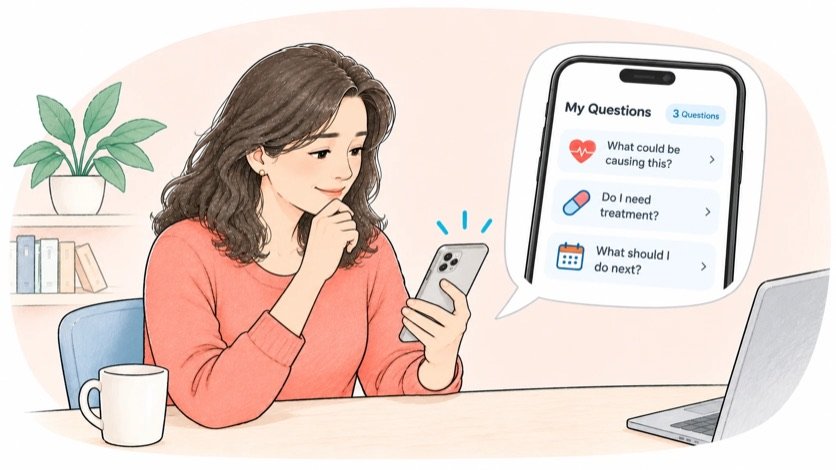
A woman at a table writing questions into Visit+ on her phone before her appointment

Record the conversation when you are in the room

Visit+ shows you one line to read out loud. It asks your doctor whether you may record. Nothing records until you tap that they said yes.

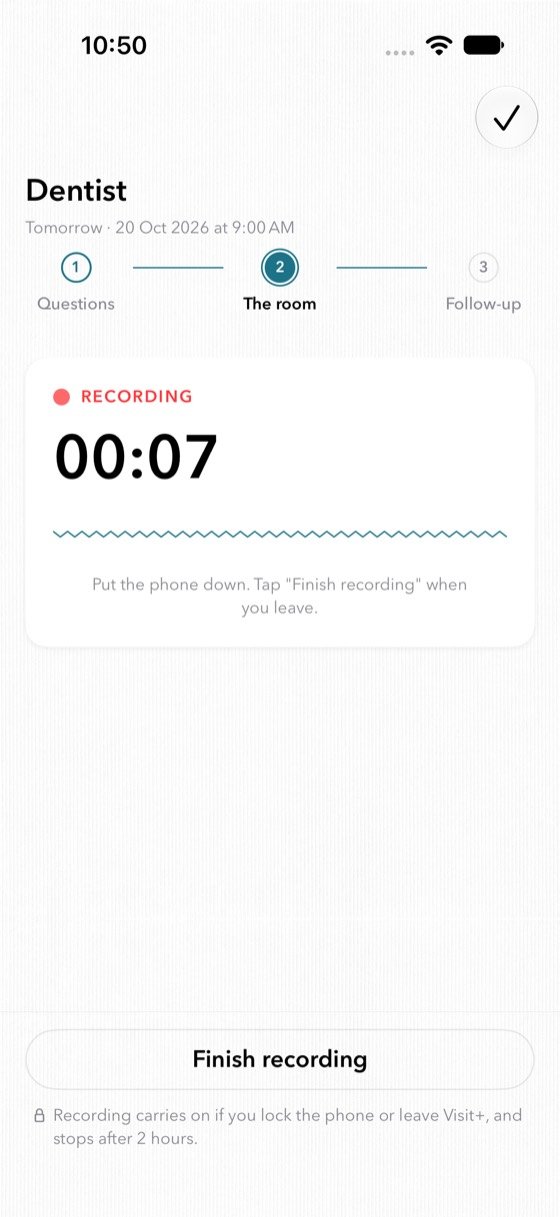
Then put the phone down and listen. The recording keeps running with its clock on the lock screen and in the Dynamic Island, so you are not watching the screen while your doctor is talking. If your doctor says no, nothing is recorded and nothing is sent; you take notes instead and the visit still works.

The room step in Visit+, recording, with a running clock and a Finish recording button
Step two. Put the phone down. Tap Finish recording when you leave.
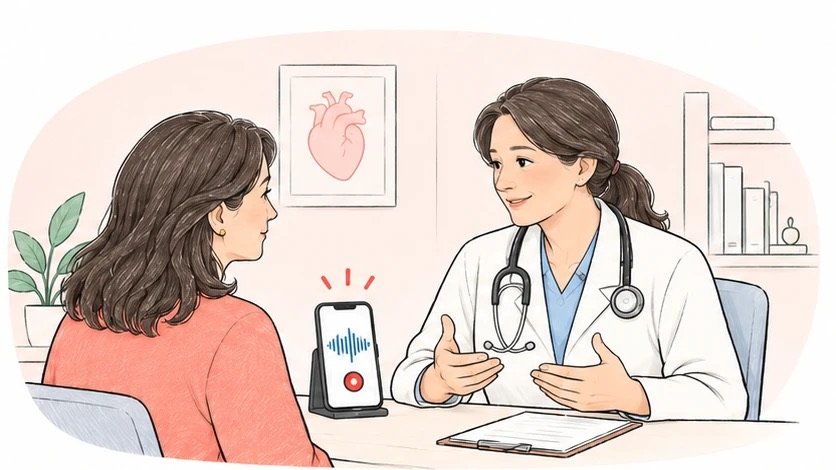
A patient and a doctor in conversation, the phone on a stand recording between them

Key points, and what to do next

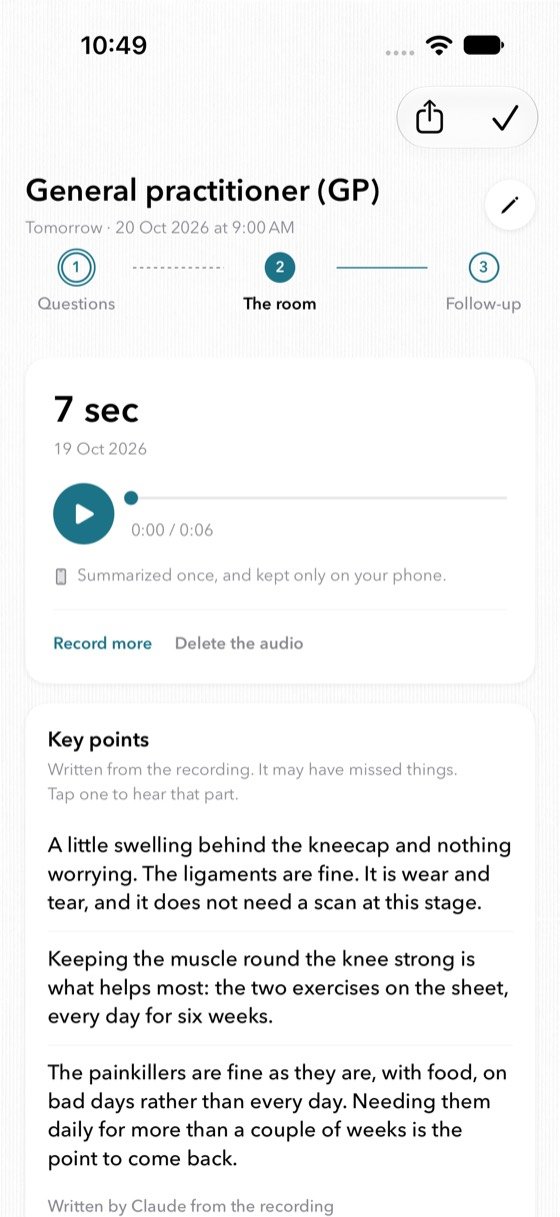
The recording is sent once to be written up and comes back as key points, in your doctor's own words, written by Claude from the recording. Tap any point to hear that part of the conversation again, so you can always check it against what was actually said.

What you were asked to do becomes a list: a test to book, a medicine to start, a visit to come back to. Each one keeps the date your doctor gave it, with a reminder on the day. You can ask the visit a question too, and get back the passages where it came up.

Key points written from the recording, with a play button to hear that part of the conversation
Step three. The key points, with the recording still beside them.
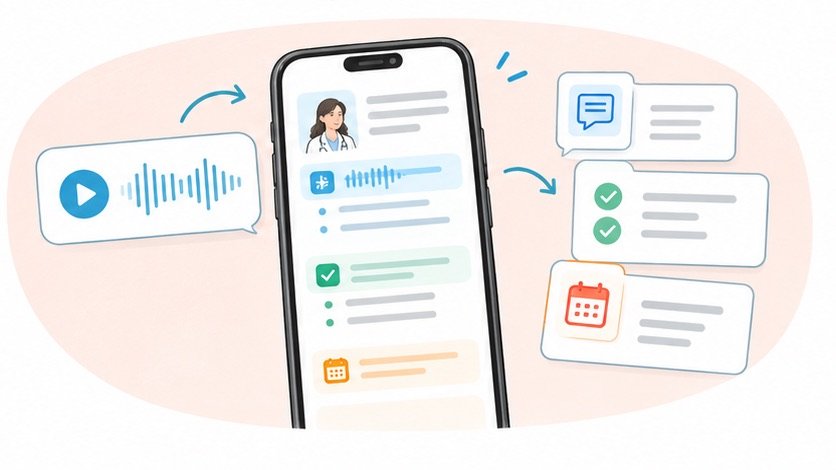
A recording turning into a transcript, then into key points and a list of things to do

The weeks after

It does not end when you leave

What is still open stays at the top of your home screen until you say it is done. You tick things off. The app never ticks one for you, and it never decides that something has been dealt with.

A visit can be shared as a PDF, so the person who came with you, or the next doctor, can read the same thing you did.

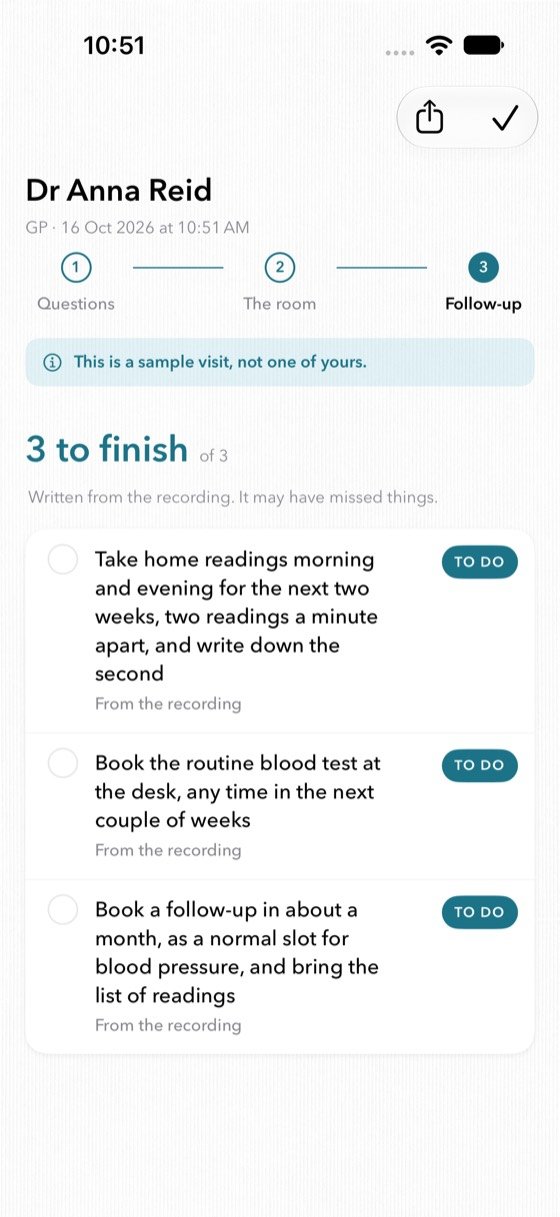
The follow-up step in Visit+, with three things to do taken from the recording
Three to finish, each one taken from what the doctor actually said.
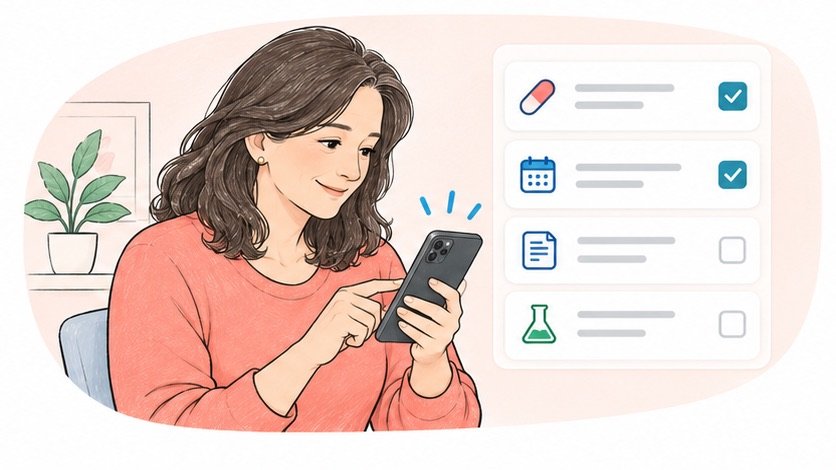
A woman ticking items off her follow-up list in Visit+

What happens to a recording

It stays on your phone

Your visits, your questions, your notes and your recordings live in the app's own folder on your iPhone. There is no account, so there is nothing for us to look at. A recording leaves the phone in exactly one case: your doctor said yes to a write-up, and then it is sent once, to come straight back.

Nobody keeps it

The audio is transcribed and summarised under zero retention, and nothing is used to train models. Recordings made in the EU are handled in the EU.

No tracking

No account, no sign-in, no ads, no advertising identifier, no third-party analytics kit. We never see a word of a visit.

Yours to delete

Delete one recording, one visit, or everything, from Settings. Delete the app and it all goes with it, because there is no copy anywhere else.

Read the full privacy policy

The rest of it

Small things that matter on the day

Your calendar, if you want

Tap Check my calendar and Visit+ offers the appointment already in it. Read only, and it never writes to your calendar.

On the lock screen

A countdown on the morning of the visit, and the recorder's own clock while the microphone is open, in the Dynamic Island.

Pictures and documents

A letter, a photo of a medicine box, a result. Kept on the phone with the visit, and never sent anywhere, not even for the write-up.

Reminders that make sense

The evening before the visit, and on the day each thing is due. All scheduled by the phone; nothing goes through a server.

Ask about the visit

Ask a question and Visit+ brings back the passages where it came up, with a tap to hear them. It quotes; it does not interpret.

A new phone

Your visits, notes and write-ups come back from your own iCloud account. Recordings and pictures stay on the old phone by design.

What Visit+ is not

Visit+ is not a medical device. It does not diagnose and it does not give advice. It records and writes down what your doctor said, and the write-up can miss or misread things, which is why the recording and the transcript stay beside it. Nothing in the app replaces your doctor. If something matters, ask them.

Asking your doctor before you record is your responsibility, and the app is built to make it easy: it offers you the words, and it does not record until you tell it they agreed.

Questions

Before you download it

Do I have to ask my doctor before recording?

Yes, and the app is built around it. Visit+ shows you a line to read out loud, and it does not record until you tap that your doctor said yes. Laws on recording a conversation differ by country, and in some places recording without everyone's agreement is an offence. Visit+ is built for that case.

What happens if my doctor says no?

Nothing records and nothing is sent. You take notes in the app instead, and the rest of the visit works exactly the same: your questions, your follow-up list, your reminders, the PDF.

Where does the recording go?

It stays on your phone. If your doctor agreed to a write-up, the audio is sent once over an encrypted connection, transcribed, turned into key points and things to do, and the result comes back to your phone. Nobody keeps the audio or the transcript, and nothing is used to train models. Recordings made in the EU are handled in the EU. The privacy policy sets out every step.

What does it cost?

Visit+ is free, with nothing to buy inside it. Up to four write-ups a month on each phone, counted on the phone itself. Recording, playback, your questions, your notes and your follow-up list are not limited.

Who writes the key points?

Claude, by Anthropic, from the transcript of your recording. Every write-up is marked as such in the app, and you can strike out any point that is not right so it stays out of the PDF.

What languages does it work in?

Write-ups are in English in this version. In other languages Visit+ still records, plays back, and keeps your questions, your notes and your list.

Is Visit+ a medical device?

No. It does not diagnose, it does not give advice, and it adds no medical information of its own. It records and writes down what your own doctor said.
Walk out with it written down

Visit+ is free, and there is nothing to sign up for.

Download on the App Store Coming soon to the App Store

iPhone, iOS 18 or later